
Edge blend · macOS 10.9+
Blendy VJ
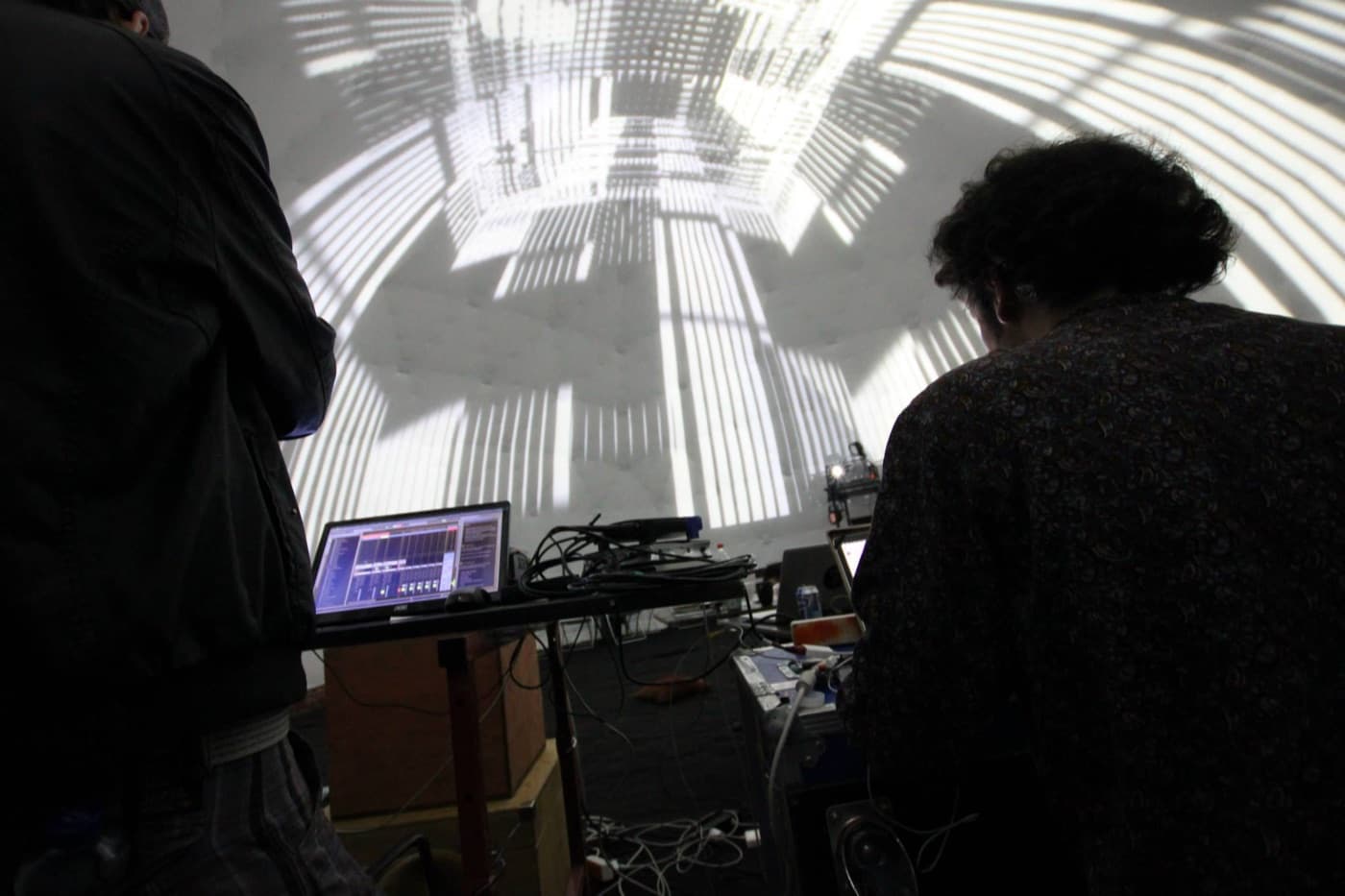
Soft-edge blending for multiple projectors on flat and curved surfaces. Free for everyone since version 1.5.
Free
Blendy VJ
Screenshot slot · 1920 × 1080
Edge blend · macOS 10.9+
What it does
- 01
- Soft edgesPer-edge blend curves and gamma so the overlap reads as one continuous image.
- 02
- Curved wallsWarp grids for cylinders, corners and anything that is not a flat rectangle.
- 03
- Free foreverNo licence key, no watermark, no nag screen. It is the entry point to the suite.
Specs
Platform
- macOS 10.9+
Runs in
- Standalone, Syphon input
Output
- Multi-projector soft edge blend
Licence
- Free
Everything runs locally. No account required to try, and nothing phones home during a show.
Start with the free one
Blendy VJ is the doorway to the rest of the suite — download it and blend two projectors today.
Free